Getting Started
Using 360mpGUI
Setting up 360mpGUI
Downloading 360XmpGUI
- Start off by downloading 360mpGUI
- Make a folder to store the applications files and put the exe file inside of it
Using The App
If the disc are in a zip extract them so you have the iso
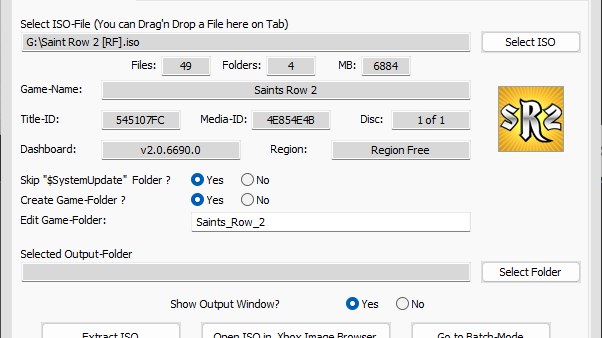
- Open up 360mp
- Make sure you're under extract iso
- Click select iso
- Select the iso
- Set a desired output folder
- Click extract iso
- Wait for the app to finish and you are all set