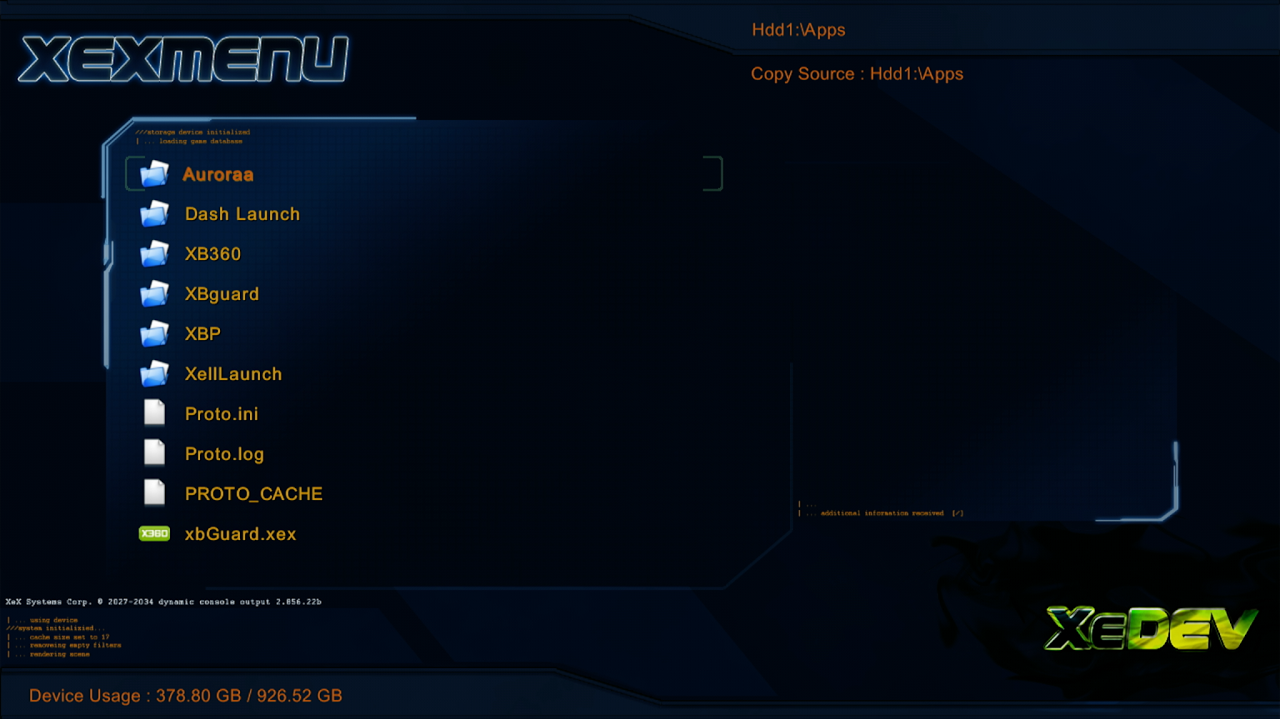
if using BadUpdate, all you have to do is download XeXmenu and drag the content folder to the root of your flash drive, then boot the console and exploit
Plug in a flash drive into your Xbox, and load the Microsoft dash
Go to settings
Storage
And format the flash drive using the console
Plugin the flash drive into your computer
Open the zip you downloaded
You should see a content folder
Open your flash drive in file explore and you should also see a content folder on the root of your flash drive
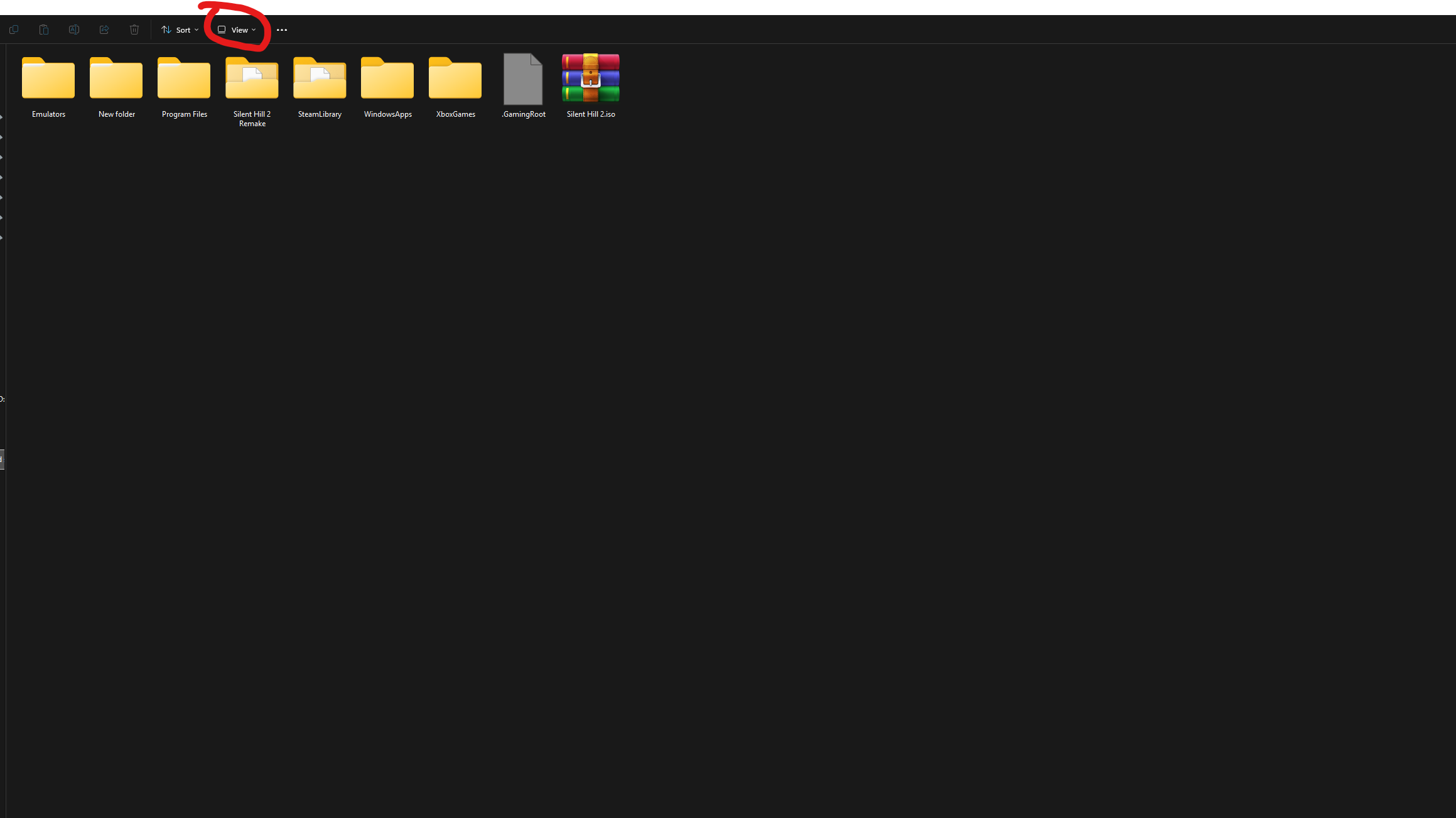
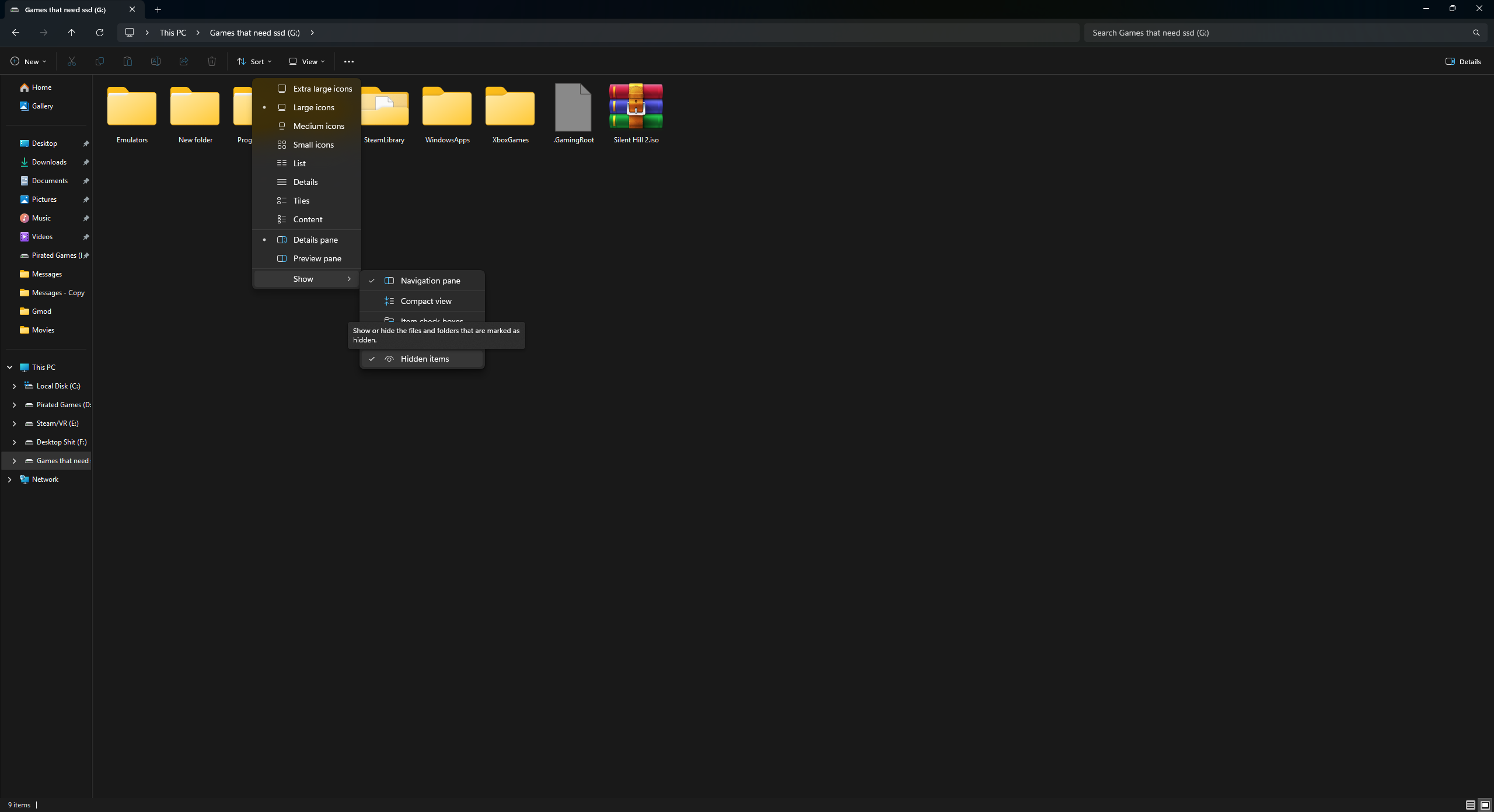
make sure you turn on hidden folder in file explore by clicking view and the show and enable hidden items if you do not see a content folder on your flash drive
Drag the content folder from the zip to your flash drive root
Adding XeXmenu to your console
Boot your console into the Microsoft dash
Go to settings
Storage
And click on your flash drive
Under the contents you should see XeXmenu as demo
Move the file to your main hard drive by pressing Y and clicking move
XeXmenu should be in your Games and Apps tab on the main dash