Games and DLC
Installing Disc Games To God Format On The Microsoft Dash
Installing Disc Games To God Format On The Microsoft Dash
Booting your console
Before exploiting make sure you are not connecting to the internet at all, no ethernet or wifi connected/enabled if using BadAvatar
- Boot your console and navigate to the Microsoft Dash and insert your disc you want to install as god into your console
If you use Aurora as your main dash follow these to get into the Xbox Dash
Boot into Aurora
Press select
File manager
Flash
And open dash.xex
Installing The Game Via Disc
- With the disc in your console hover over the disc icon and press X
- Then press install
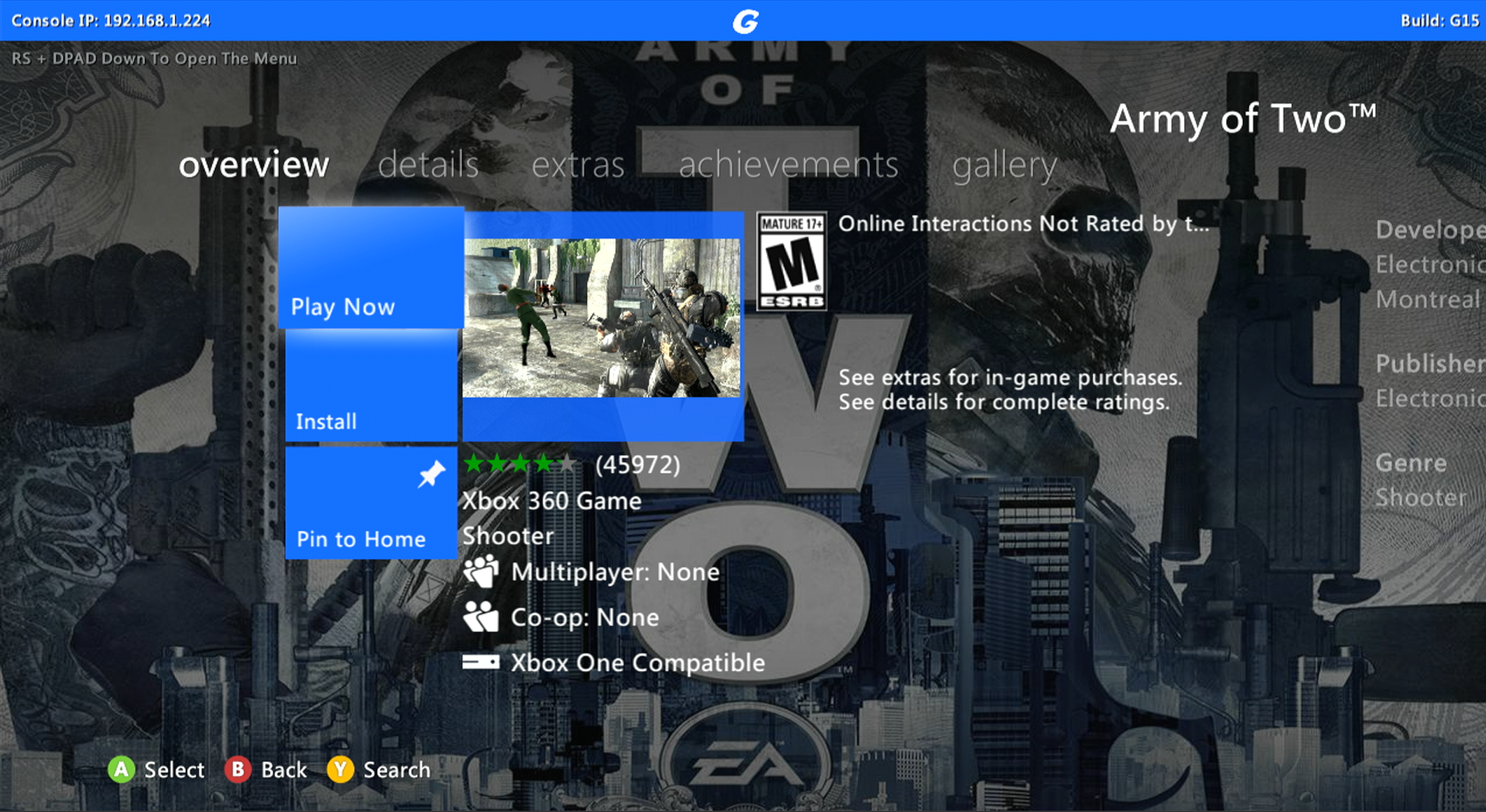
- The screen should boot to this
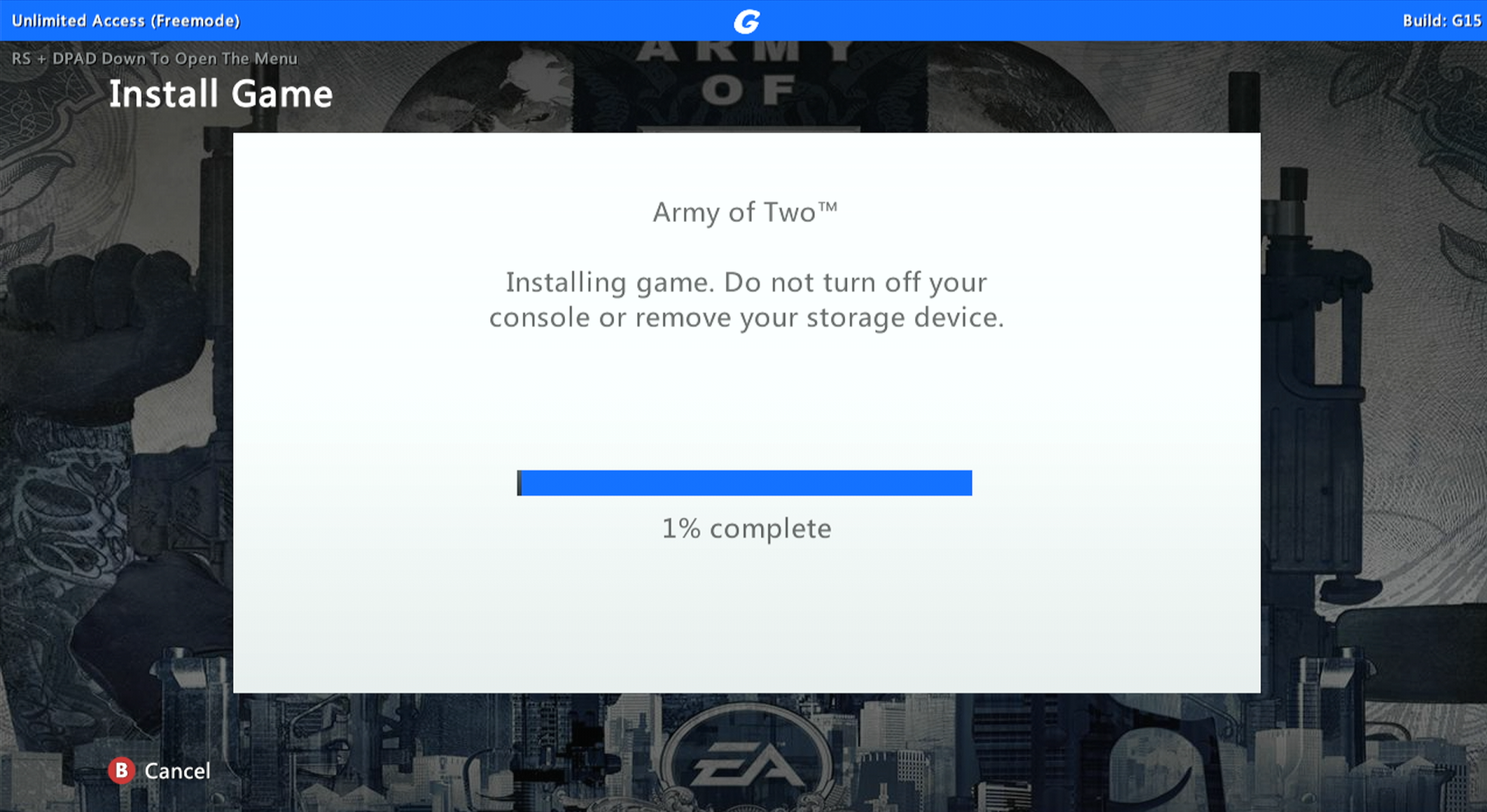
- Wait for the game to install to the hard drive