Networking
Connecting to the Internet with Xbox Live
Connecting to the Internet with Xbox Live
Stealth Server
- First make sure you have a stealth server enabled
Microsoft Dash Settings
If your using Aurora as your main dash we need to get to the Microsoft dash
Start off by pressing back
Go to file manager
Flash
And press A on dash.xex
- On the MS dash go to settings
- System
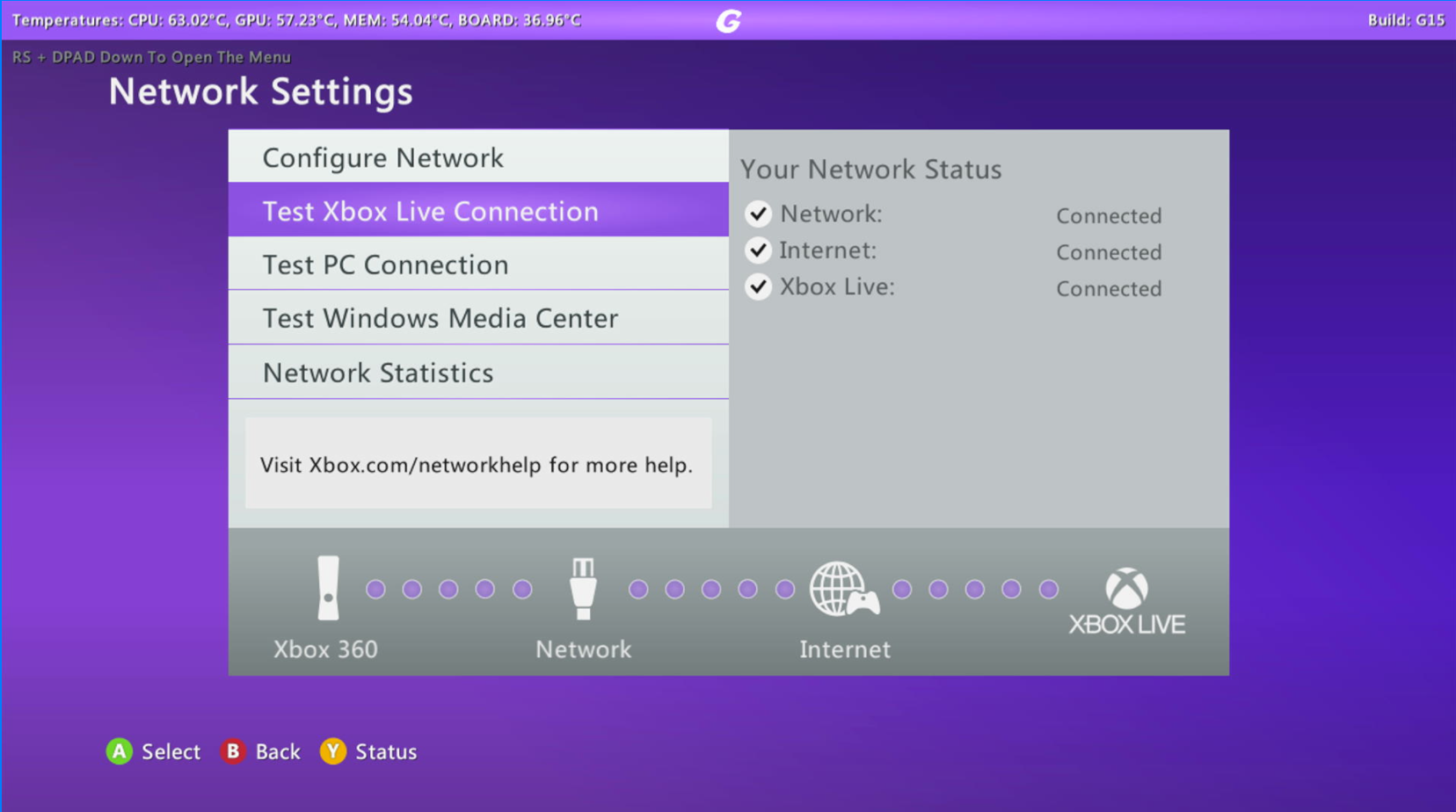
- Network settings
- If you are using Ethernet, plug in your cable, click Wired Network, and then test the Xbox Live connection.
- If you are using wireless, click Wireless Network, connect to your internet, and then test the Xbox Live connection.
- Your Xbox should connect to Xbox Live now.