Games and DLC
Installing OG Xbox Games On Aurora
Installing OG Xbox Games On Aurora
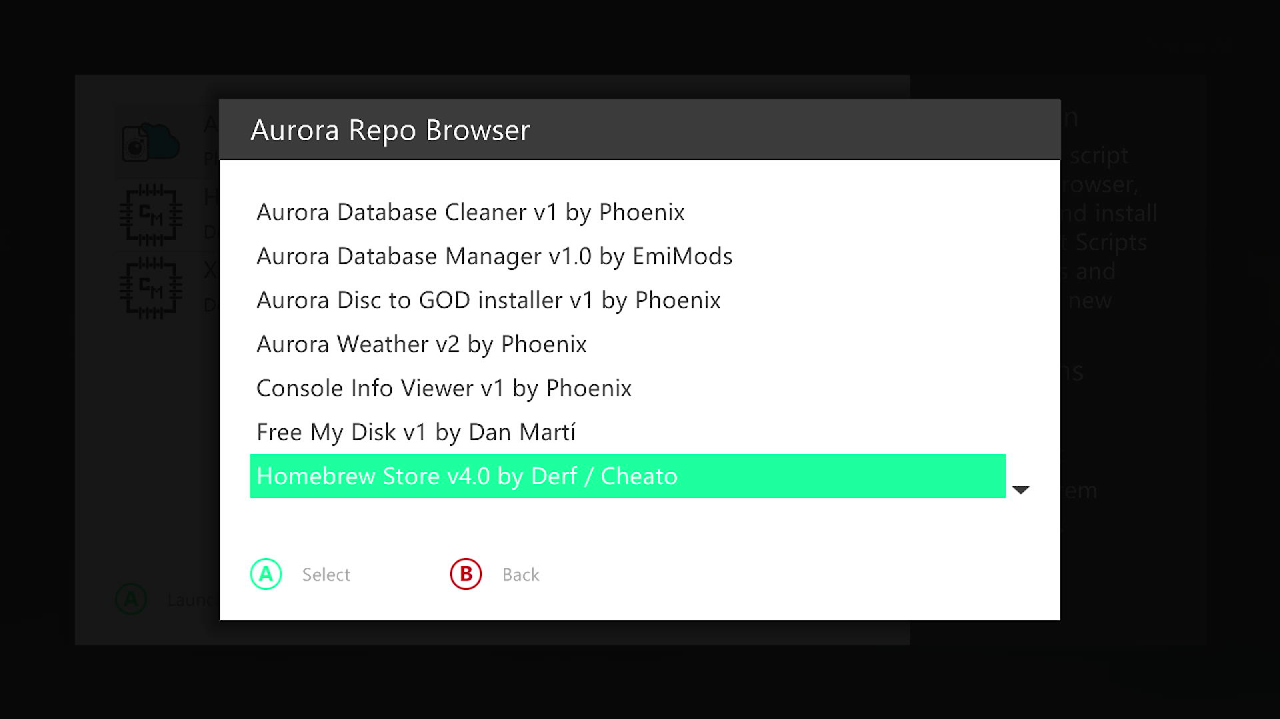
Installing the Homebrew Store
You need an internal drive to setup OG Xbox games
- Open Aurora
- Press back
- Go to scripts
- Aurora repo browser
- Utility scripts
- Install Homebrew store v4.0 by Derf
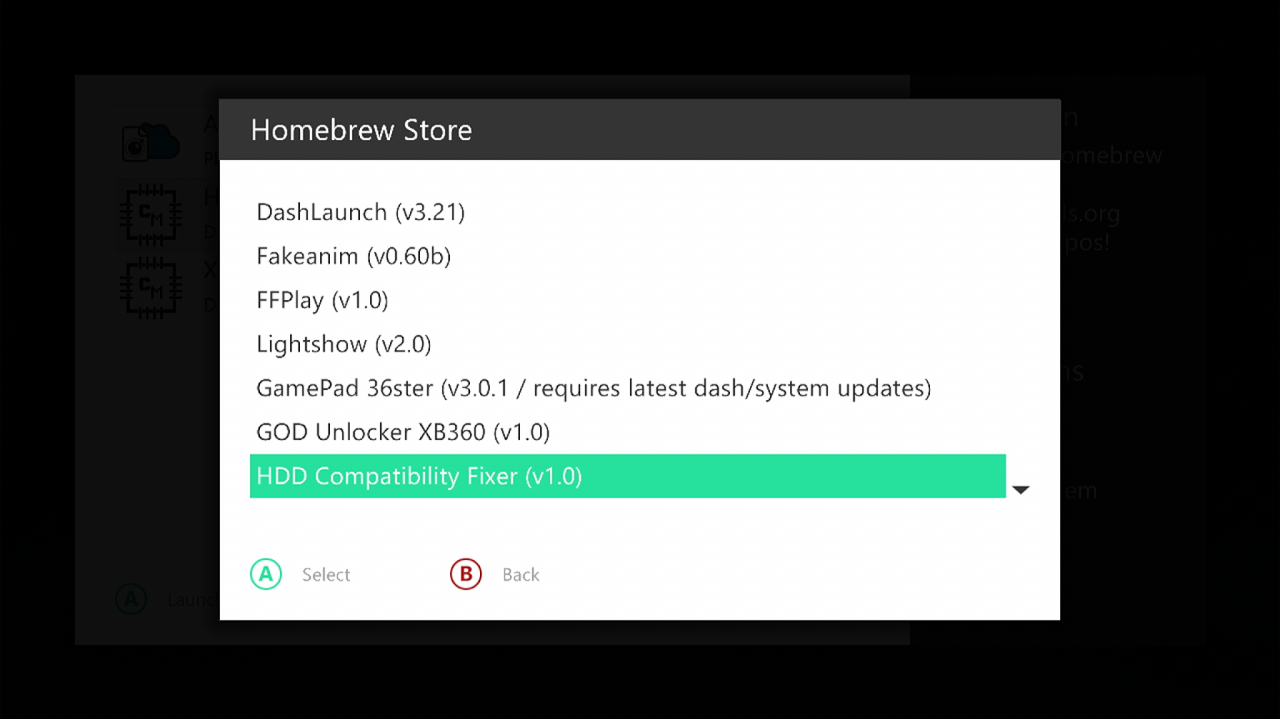
Installing HDD Compatibility Fixer
- Aurora home and press back
- Go to scripts
- Homebrew store
- Homebrew apps
- And download HDD Compatibility Fixer
Running HDD Compatibility Fixer
- Go to Aurora home
- Press back
- File Manager
- Go to hdd1
- Apps
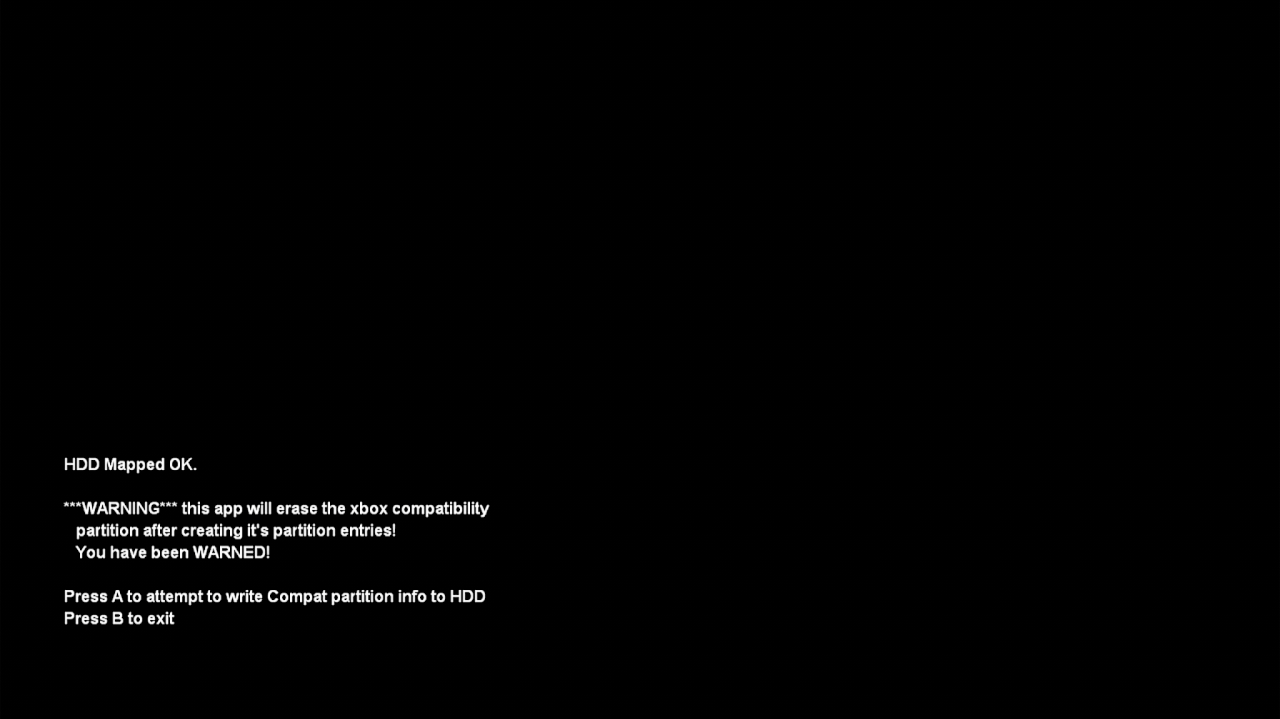
- HDD compatibility Fixer
- Open the .xex file
- It will show a screen saying Press A to make the partition, press A and follow the instructions on screen
Installing Required OG Xbox Files
- This will have made the partition for OG xbox games
- On Aurora home press back
- Scripts
- Homebrew store
- Other
- And click select on backwards compatibility (hacked) (v1.0)
- It will ask you to confirm, click yes,
- Go to Aurora home and click back
- File manager
- You should now see a section under HDD1 called HDDX
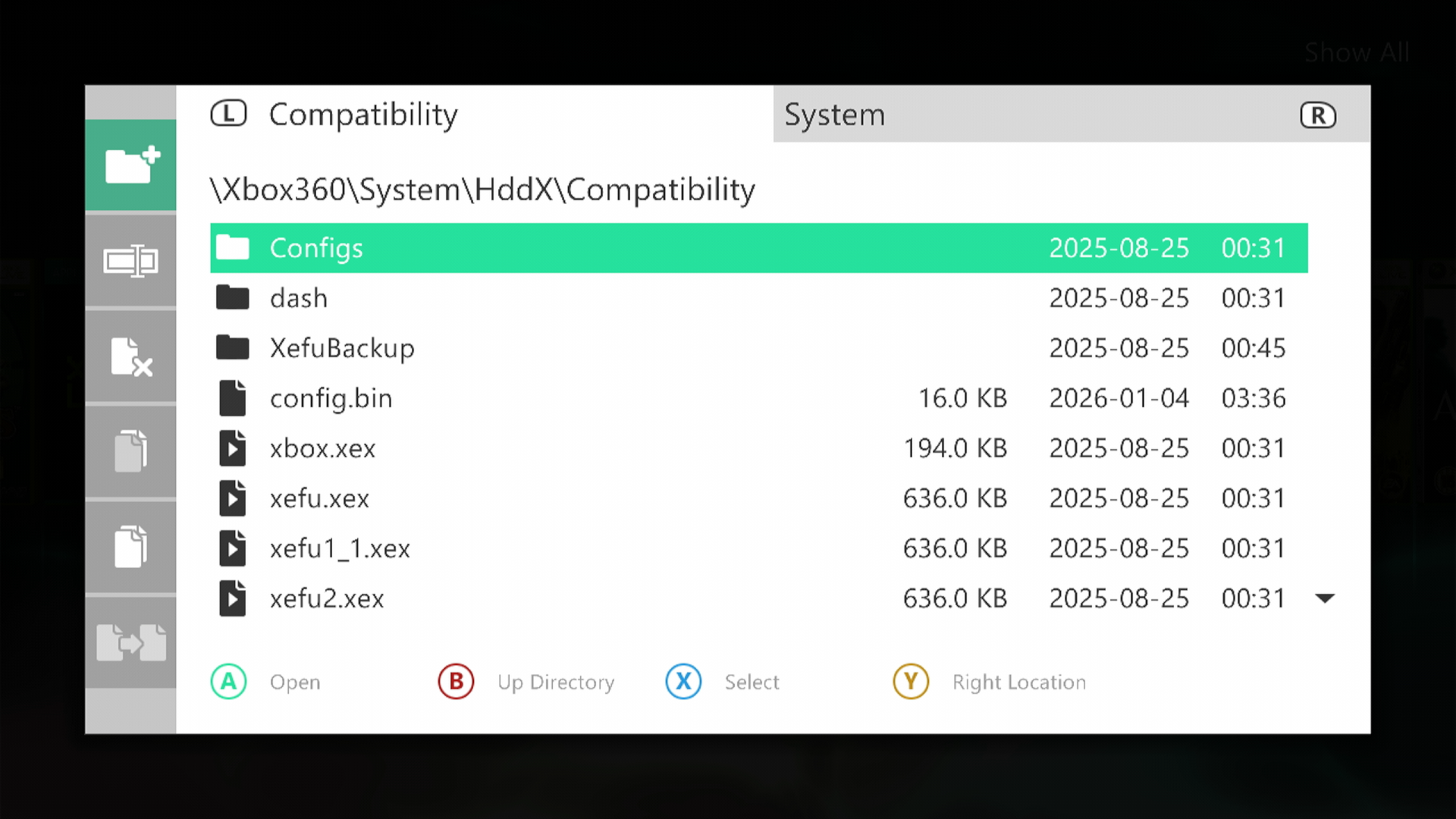
- Open it and make sure you have a folder called compatibility, and that it contains these.
Installing Xefu Spoofer
- Go to Aurora home and press back,
- Scripts
- Homebrew store
- Aurora scripts
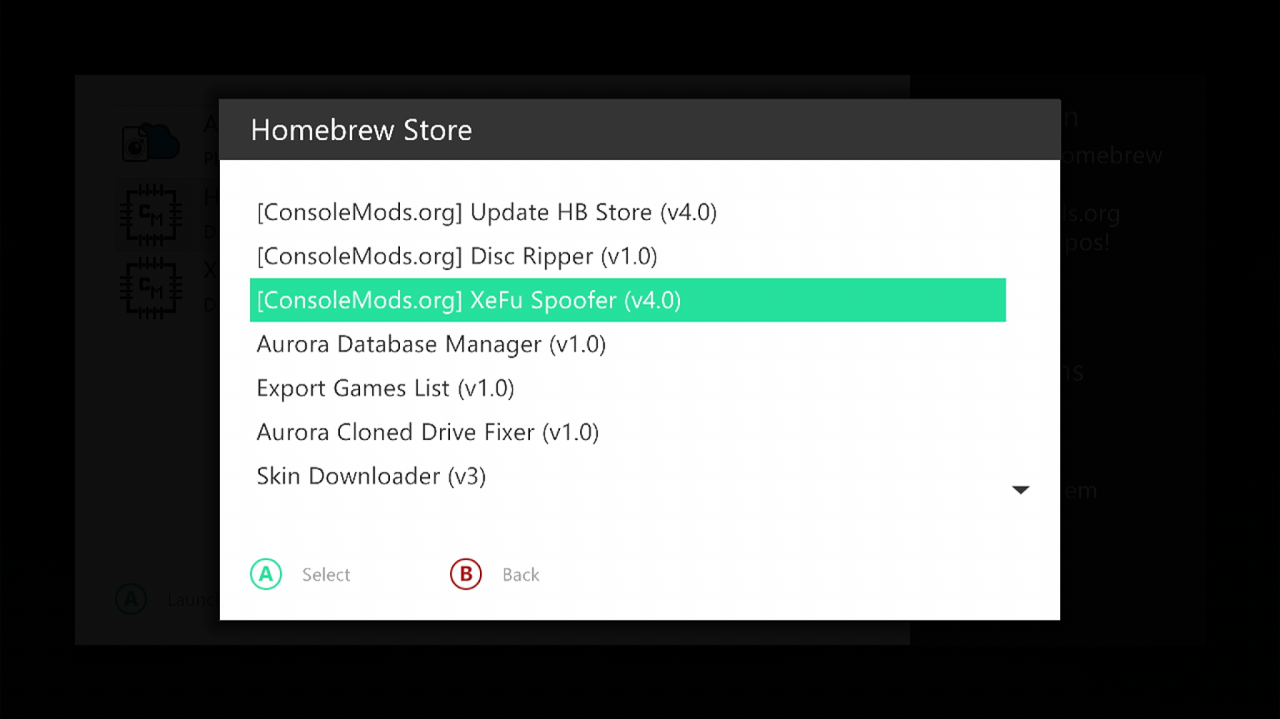
- And install Xefu Spoofer
Applying a Xefu
- Reboot Aurora by going to Aurora home
- Pressing back
- And pressing restart
- Press back again
- Go to scripts
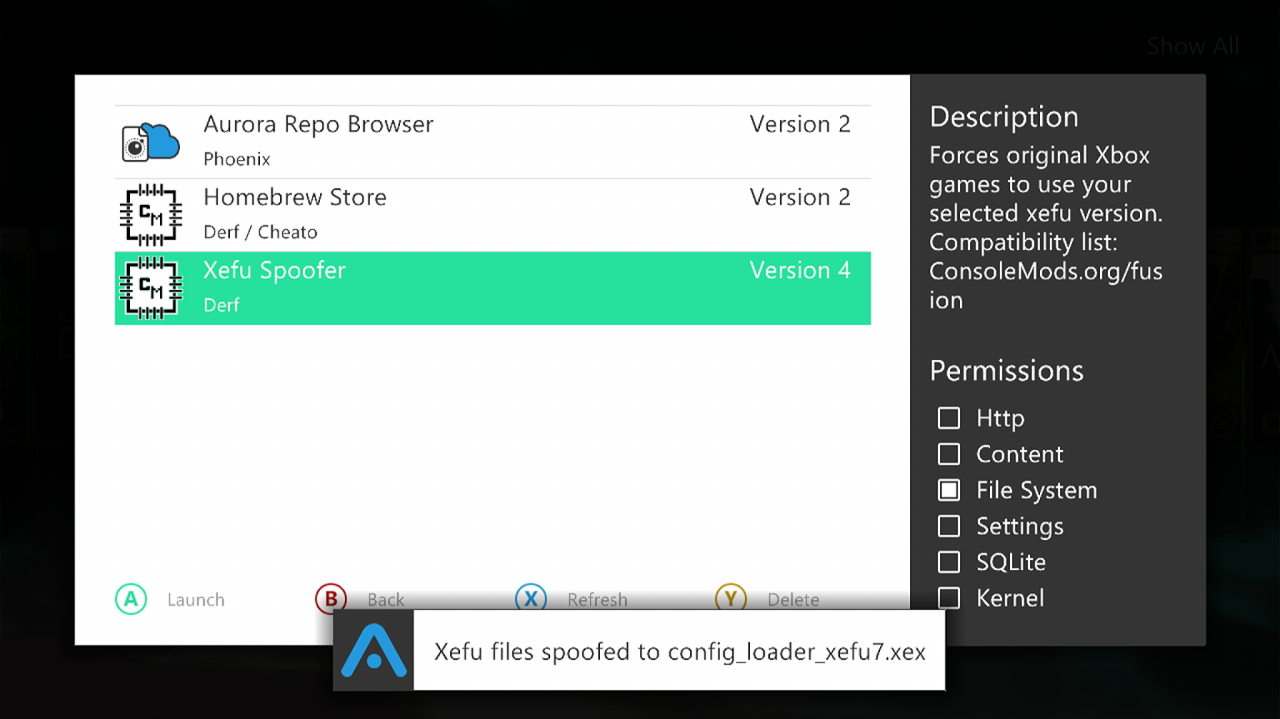
- Open Xefu spoofer
- Here you can choose which OG Xbox emulator version you would like to use from Microsoft.
- Xefu7 with config loader is the stable option for Xbox 360.
follow this to see which version works best for the game you want to play
- For now, click Xefu 7 with config loader. Aurora should say the Xefu files were spoofed.
Install Your Games
- Finally download your OG xbox game you want to play,
- Follow this tutorial for installing games as a GOD format if using Aurora as default dash
- Follow this tutorial for installing games as a GOD format if using Microsoft dash as default dash
- Add your games in GOD format.
ISO2GOD does support XISO format as well as ISO
- And rescan Aurora
- Your game should now boot and be playable