Games and DLC
Installing Multi-Disc Games
Organize and scan multi-disc titles without breaking game detection.
Downloading the apps
Starting off your going to need to download some apps on your computer
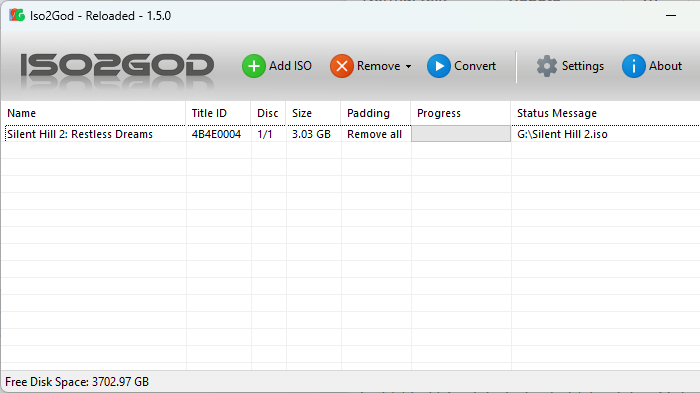
download ISO2GOD and XBOX360mp
last download the game with all the disc that it needs
usually an install disc and a play disc
Converting your install disc to raw files
- If the disc are in a zip extract them so you have the iso
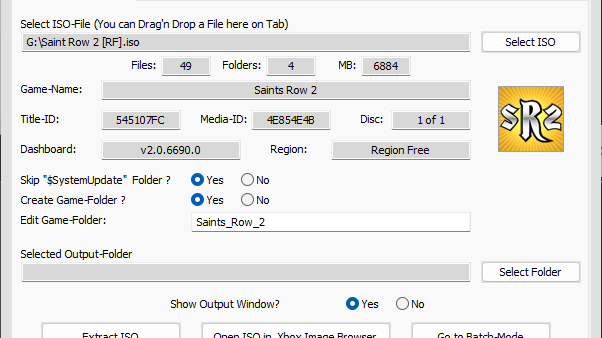
- Open up xbox360mp
- Make sure you're under extract iso
- Click select iso
- And select the install disc iso
- Set a desired out put folder
- And click extract iso
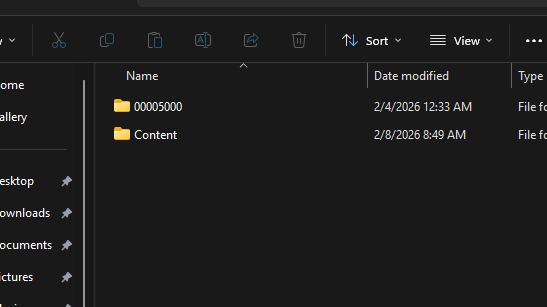
- Inside the extracted iso folder you should see a content folder
- Plug in your flash drive into your computer
- Go to the root of your usb where your content folder is
if on an RGH console connect to FTP to add the content files
- Take the content folder from the extracted iso and drag it to the root with your other content folder
Converting the Play Disc to God Format
- Now that the content files from the install disc is on your flash drive you need to convert the play disc into god format
- Follow this tutorial for installing games as a GOD format if using Aurora as default dash
- Follow this tutorial for installing games as a GOD format if using Microsoft dash as default dash
Turning on Auto swap for RGH
this part is for RGH consoles only
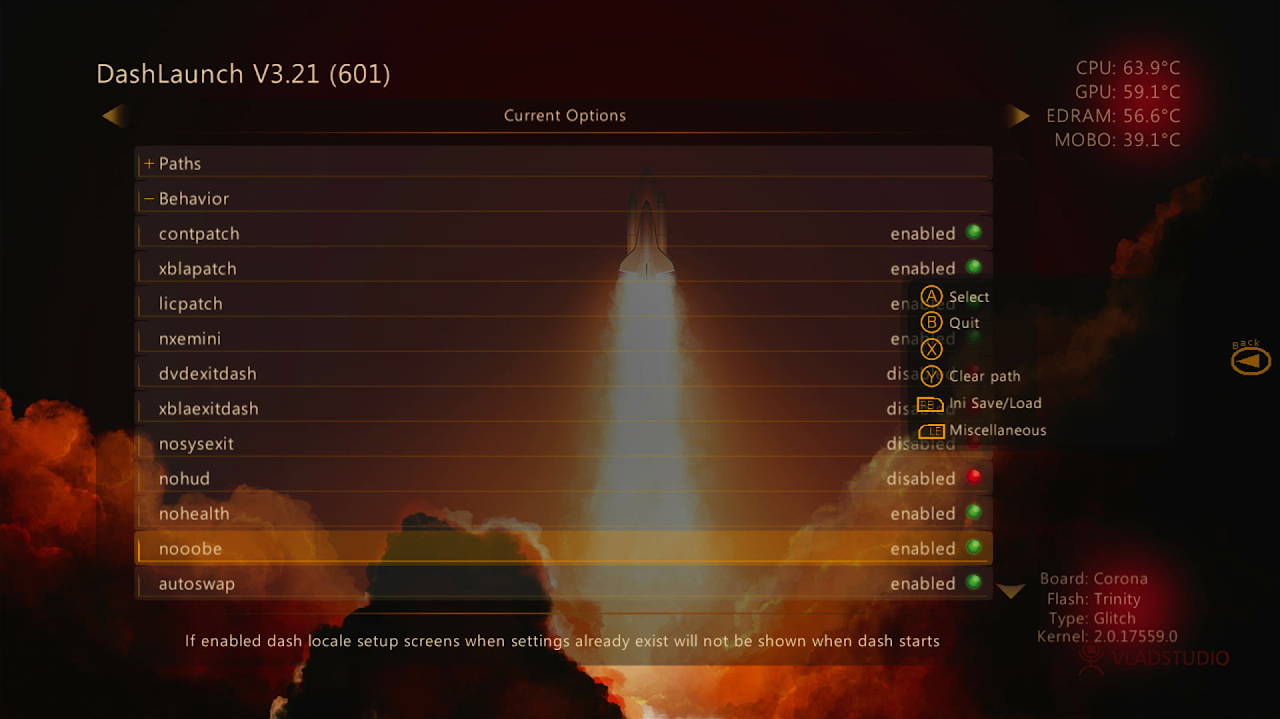
- Open dashlaunch
- Go to behavior
- And enable autoswap
- Press RB then press X on HDD
- It should say saved launch.ini to HDD
Turning on Autoswap for BadUpdate
- For badupdate users open up your launch.ini find the autoswap setting and enable to true save config and boot the exploit